Horizon Promo
Automatically takes snapshots of cars for Horizon Promo in Forza Horizon 6.
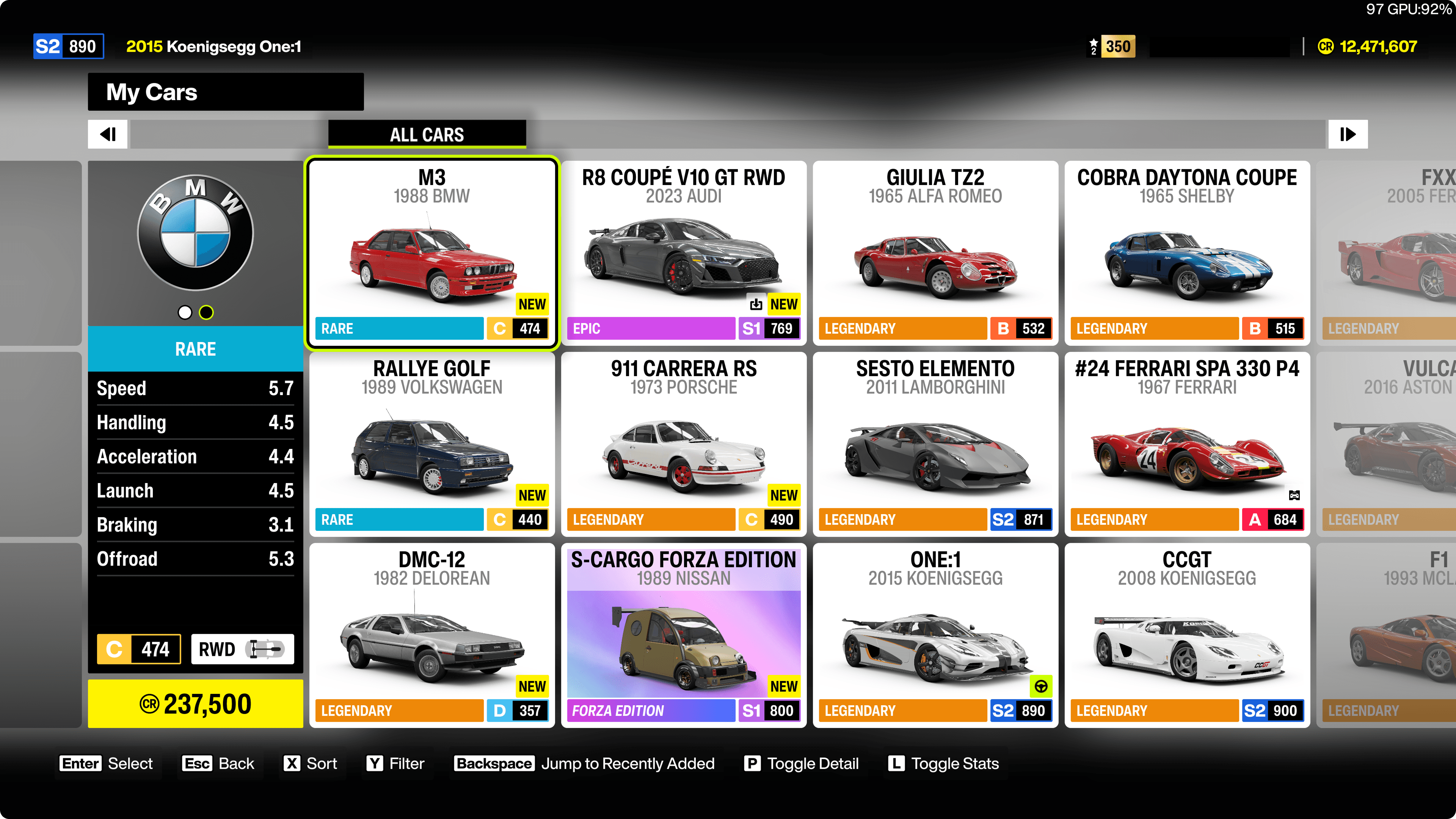
Before Running
Ensure that you are on the "My Cars" screen
Go to "Buy New & Used Cars" (Festival) > "My Cars".
Sort by "Recently Added"
Sort by pressing "X" > "Recently Added" to all cars will be looped.
How it Works
The macro will:
- Press "enter" key to select the car.
- Press "enter" key to get in the car.
- Wait for the animation (if any) to finish and press "y" key to enter "Photo Mode".
- Wait for the "Snapshot" button to be visible and press "p" key to take a snapshot.
- Wait for getting 10 points or "No new cars in shot" message to ensure the snapshot is taken successfully.
- Press "esc" key to exit "Photo Mode".
- Press keys to get back to the "My Cars" screen with sorting.
- Move selection to the next car in the list and repeat the process until all cars are processed.