Settings
Configure macros, appearance, capture, and input behavior.
These settings are configured per macro in the right panel.
| Item | Description |
|---|
| Target window | The window title Remaku should find before running the macro. |
| Hotkey | An independent global hotkey for this macro. |
| Gaming Mode | Scales templates for changing game resolutions. Turn it off for desktop apps. |
| Background Input | Sends input directly to the target window without switching focus. |
| Prevent Focus Loss | Prevents the target window from detecting focus loss, so the game won't pause. |
| Item | Description |
|---|
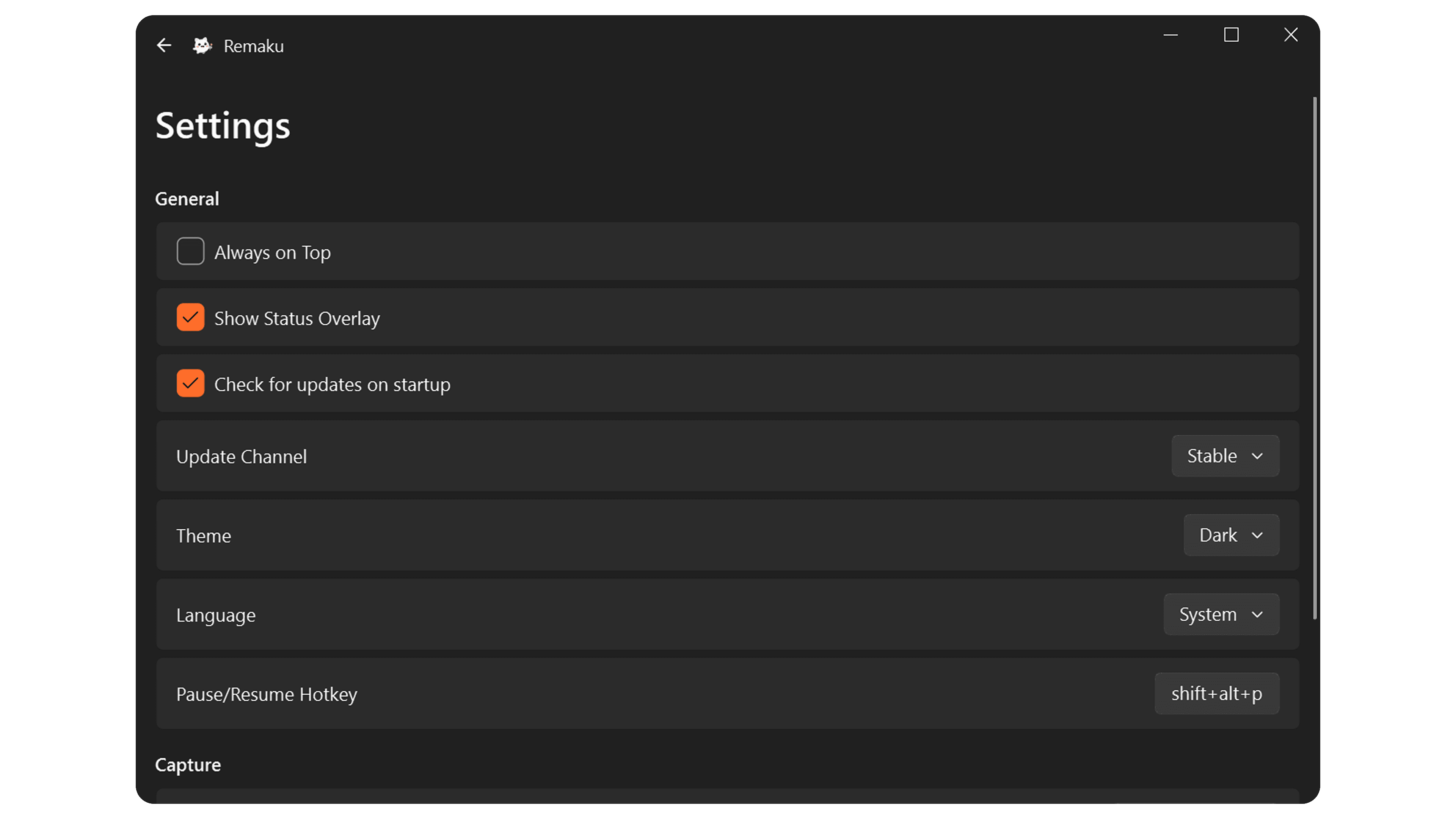
| Always on Top | Keep Remaku above other windows. |
| Show Status Overlay | Display a transparent overlay showing macro execution status. |
| Check for updates on startup | Automatically check for new versions when Remaku starts. |
| Update Channel | Choose between stable and beta releases. |
| Theme | System, Light, or Dark. |
| Language | Auto-detect, Traditional Chinese, Simplified Chinese, or English. |
| Pause/Resume Hotkey | Global hotkey to pause or resume the current macro. |
| Item | Description |
|---|
| FPS | Frames captured per second. |
| Item | Description |
|---|
| Jitter (ms) | Random delay range added to each keypress. |