Auto Update
How Remaku checks, downloads, and installs updates.
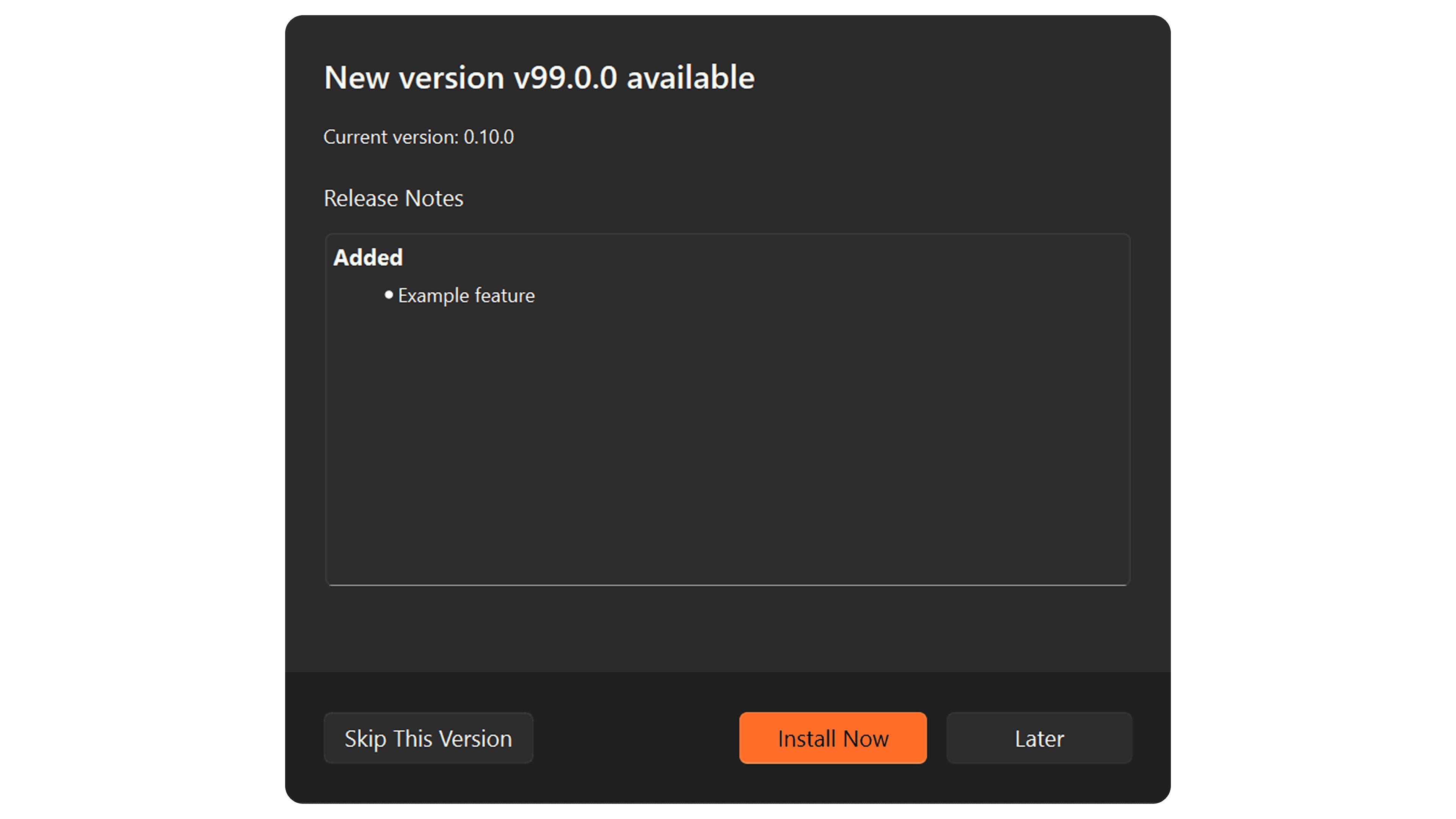
Remaku automatically checks for new versions when it starts, so you're always up to date without lifting a finger.
How It Works
When a new version is available, a friendly dialog appears showing you what's new. You have three choices:
- Install Now — Downloads and installs the update automatically. Remaku will close, update itself, and reopen with the latest version.
- Later — Dismisses the dialog. You'll be reminded again the next time you start Remaku.
- Skip This Version — Tells Remaku not to notify you about this specific version again.
The entire update process happens silently in the background — no wizards, no prompts, just a brief moment and you're back to work.
You can also manually check for updates anytime from the Help menu.