Step Types
The building blocks available in Remaku macros.
| Step | Description |
|---|---|
| Key | Press a keyboard key or modifier combination. |
| Delay | Wait for a fixed number of milliseconds. |
| Text Input | Type text with an optional delay between each character. |
| Mouse Click | Click at screen coordinates or at the center of a found image. |
| Mouse Move | Move the cursor to coordinates or to the center of a found image. |
| Mouse Scroll | Scroll the mouse wheel by a set number of clicks. |
| Wait Image | Pause until a template image appears on screen. |
| Wait Number | Pause until a visible number in a captured screen area reaches a target. |
| Hold Key Until Gone | Hold a key while a template is visible, release when it disappears. |
| Repeat | Repeat child steps a set number of times. |
| Repeat Until Number | Repeat child steps until a visible number reaches a target value. |
| If Image | Branch: run then-steps if the image is found, else-steps otherwise. |
| If Number | Branch based on a number in a captured screen area. |
| If Any Image | Monitor multiple templates and run the branch for the first one matched. |
| Grid Navigation | Step through grid cells in rotation, with custom actions per row/column. |
Every step has a Skip toggle to temporarily disable it and an optional Note field for inline documentation.
Key
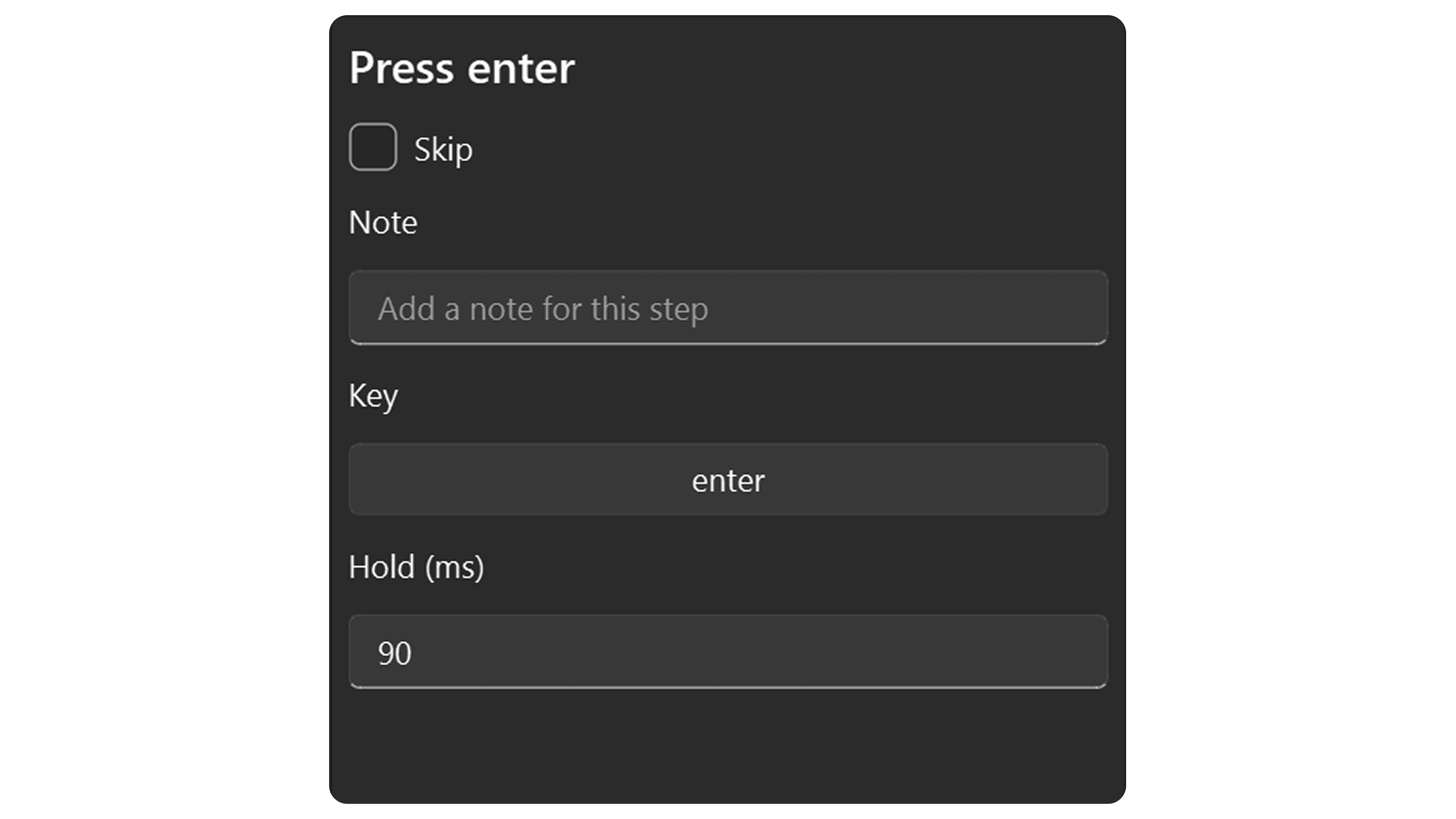
| Field | Default | Description |
|---|---|---|
| Key | enter | The key or modifier combination to press. |
| Hold (ms) | 90 | How long the key is held down. |
Delay
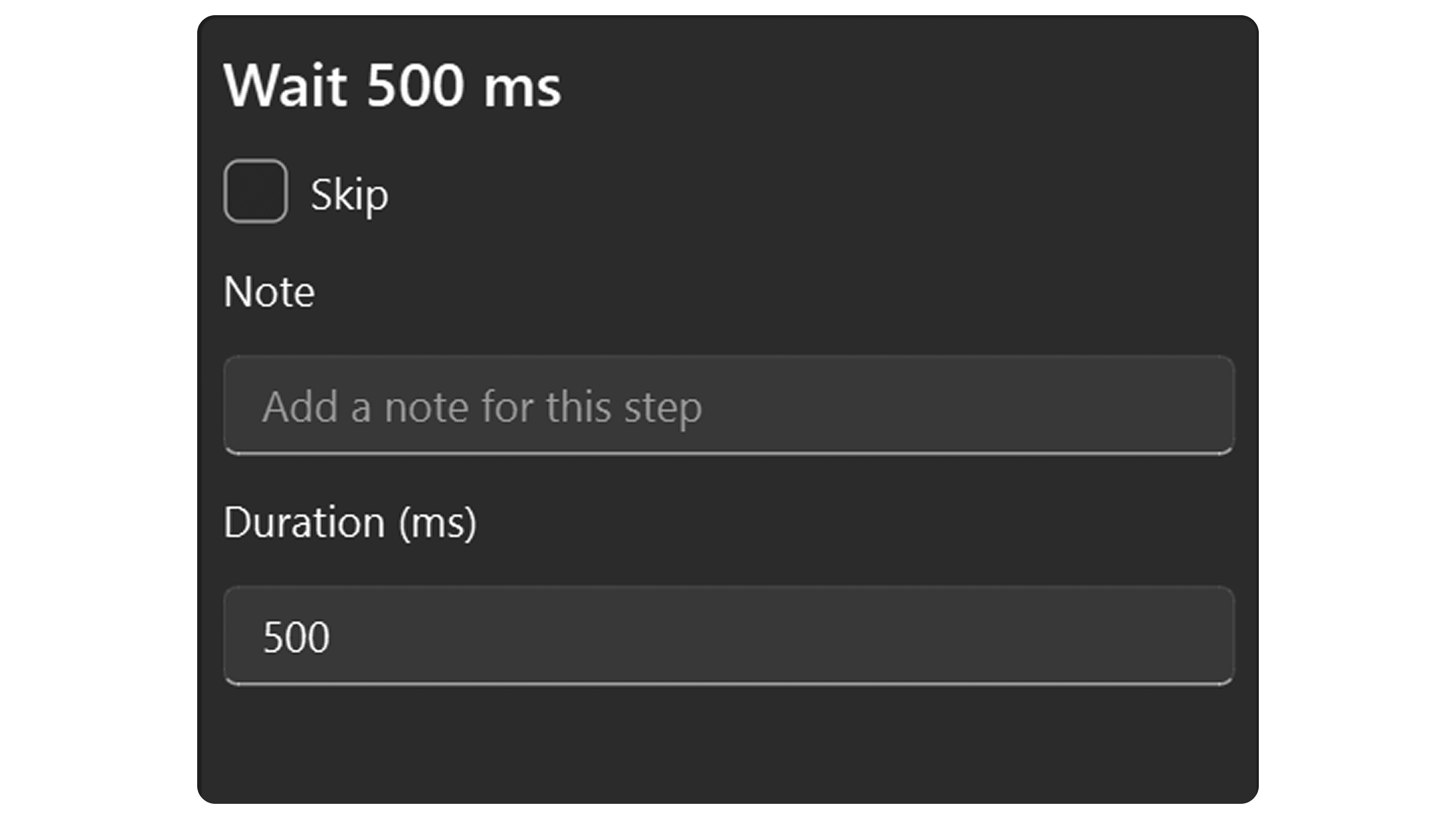
| Field | Default | Description |
|---|---|---|
| Duration (ms) | 500 | How long to wait in milliseconds. |
Text Input
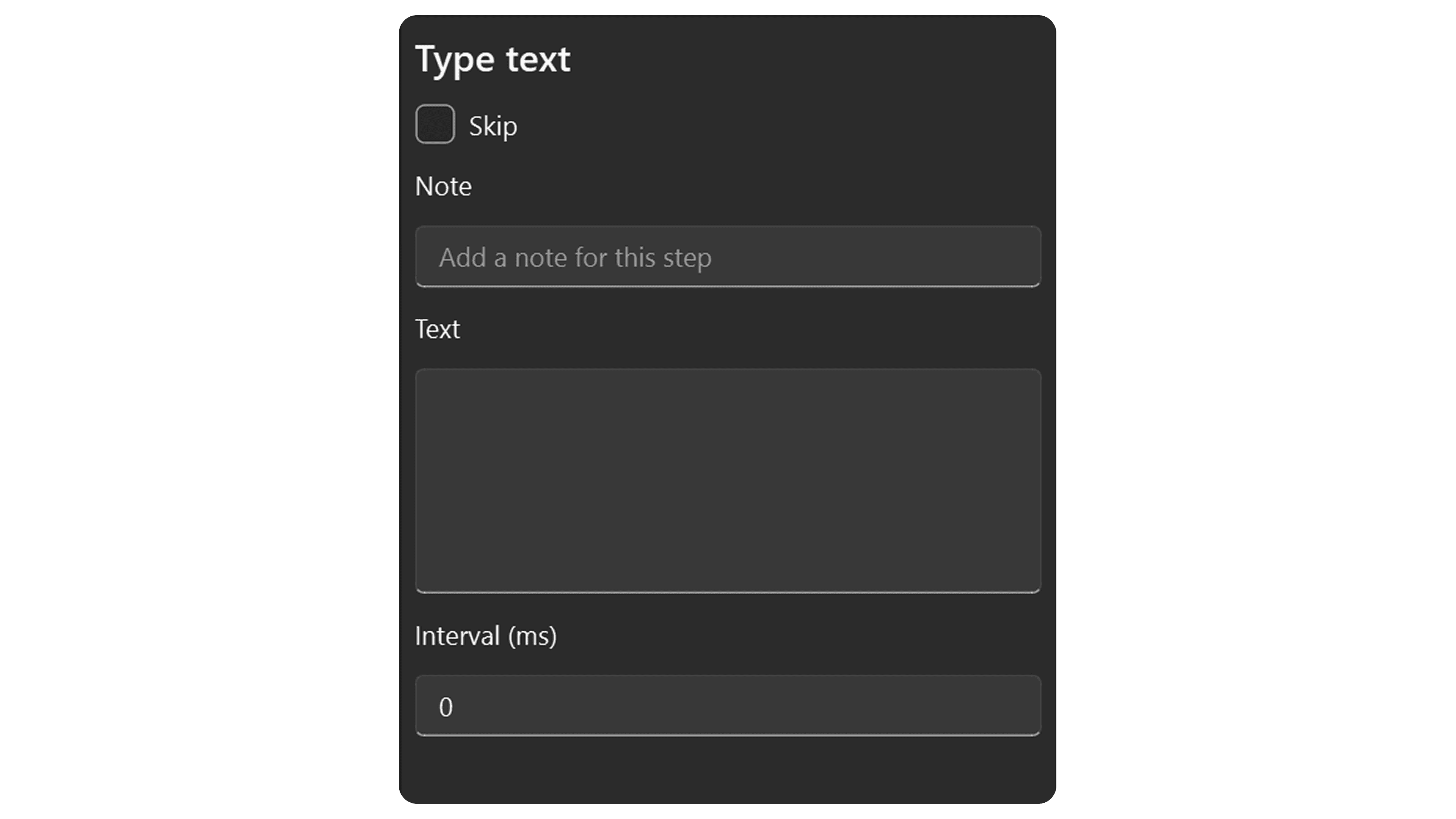
| Field | Default | Description |
|---|---|---|
| Text | (empty) | The text to type. Supports Unicode. |
| Interval (ms) | 0 | Delay between each keystroke (0 = as fast as possible). |
Mouse Click
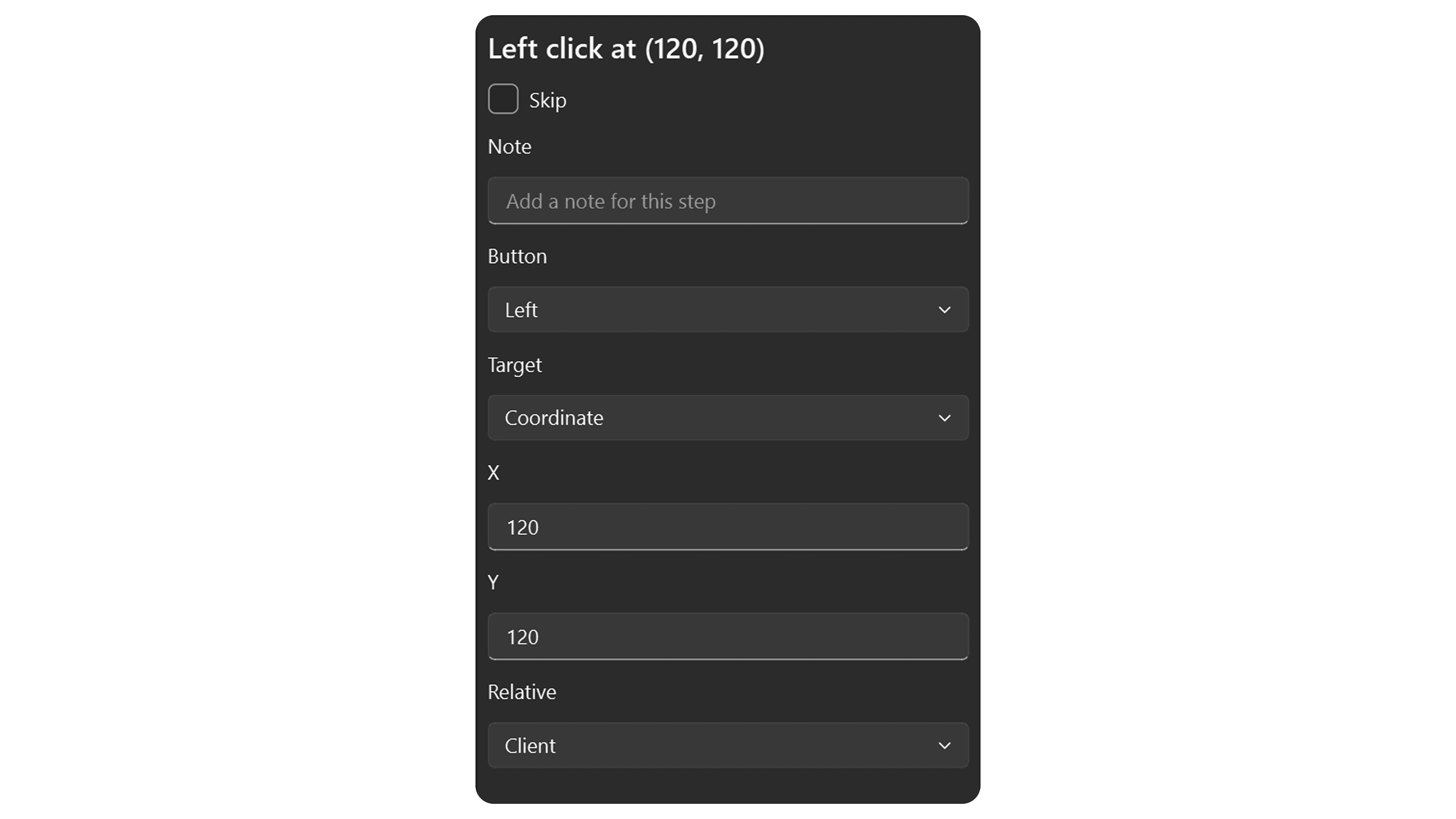
When Target is Coordinate:
| Field | Default | Description |
|---|---|---|
| Button | Left | Mouse button: Left, Right, or Middle. |
| Target | Coordinate | Click at screen coordinates. |
| X | 0 | Horizontal position in pixels. |
| Y | 0 | Vertical position in pixels. |
| Relative | Client | Client = relative to target window, Absolute = screen coordinates. |
| Down/Up Delay (ms) | 50 | How long to hold the button down before releasing. |
When Target is Image Center:
| Field | Default | Description |
|---|---|---|
| Button | Left | Mouse button: Left, Right, or Middle. |
| Target | Image Center | Click at the center of a found image. |
| Template | (none) | The template image to find. |
| Threshold | 85% | Required match confidence. |
| Timeout (ms) | 5000 | How long to wait for the image. |
| On Timeout | Stop | Stop the macro or Continue past this step. |
| Down/Up Delay (ms) | 50 | How long to hold the button down before releasing. |
Mouse Move
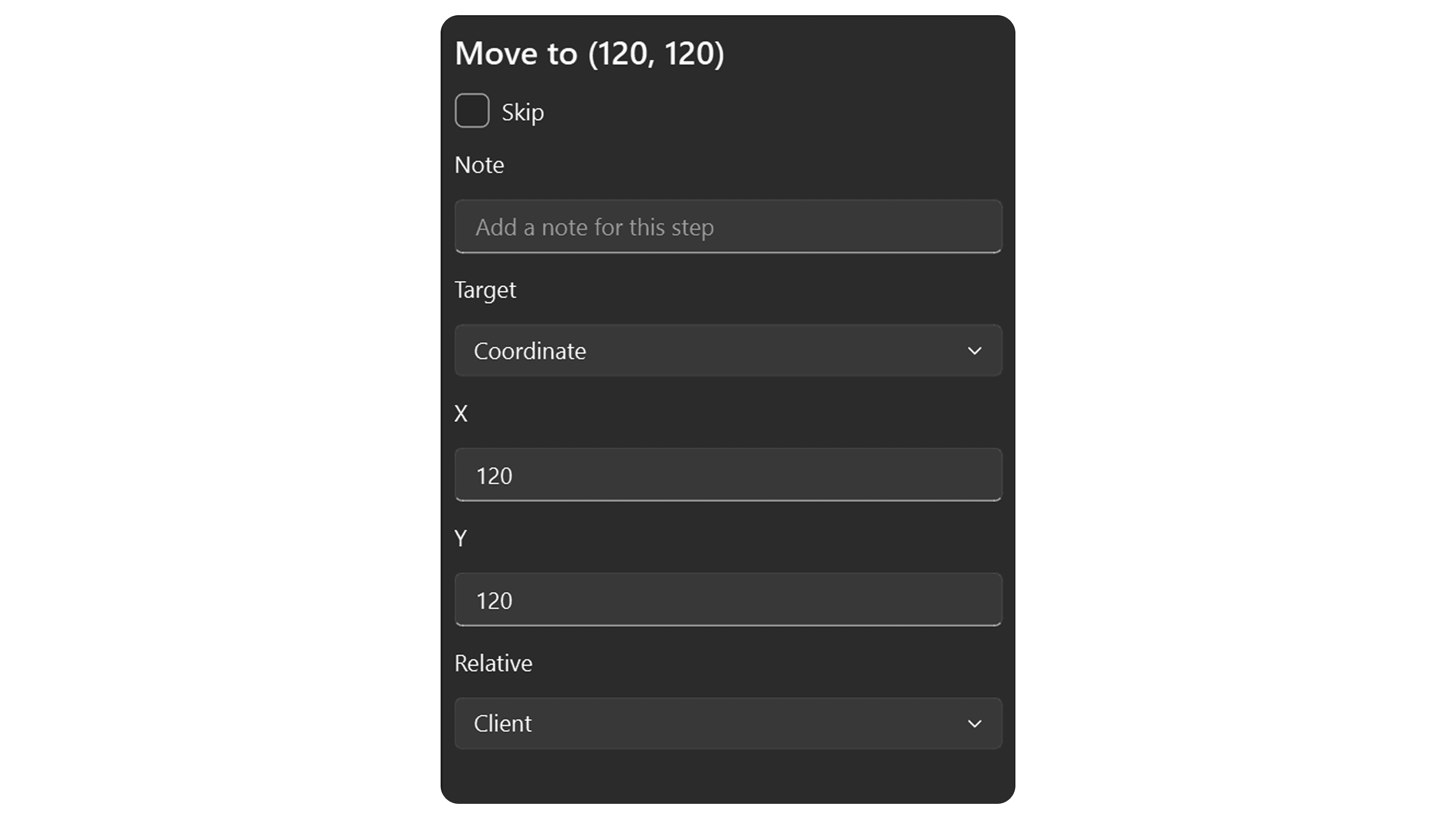
When Target is Coordinate:
| Field | Default | Description |
|---|---|---|
| Target | Coordinate | Move to screen coordinates. |
| X | 0 | Horizontal position in pixels. |
| Y | 0 | Vertical position in pixels. |
| Relative | Client | Client = relative to target window, Absolute = screen coordinates. |
When Target is Image Center:
| Field | Default | Description |
|---|---|---|
| Target | Image Center | Move to the center of a found image. |
| Template | (none) | The template image to find. |
| Threshold | 85% | Required match confidence. |
| Timeout (ms) | 5000 | How long to wait for the image. |
| On Timeout | Stop | Stop the macro or Continue past this step. |
Mouse Scroll
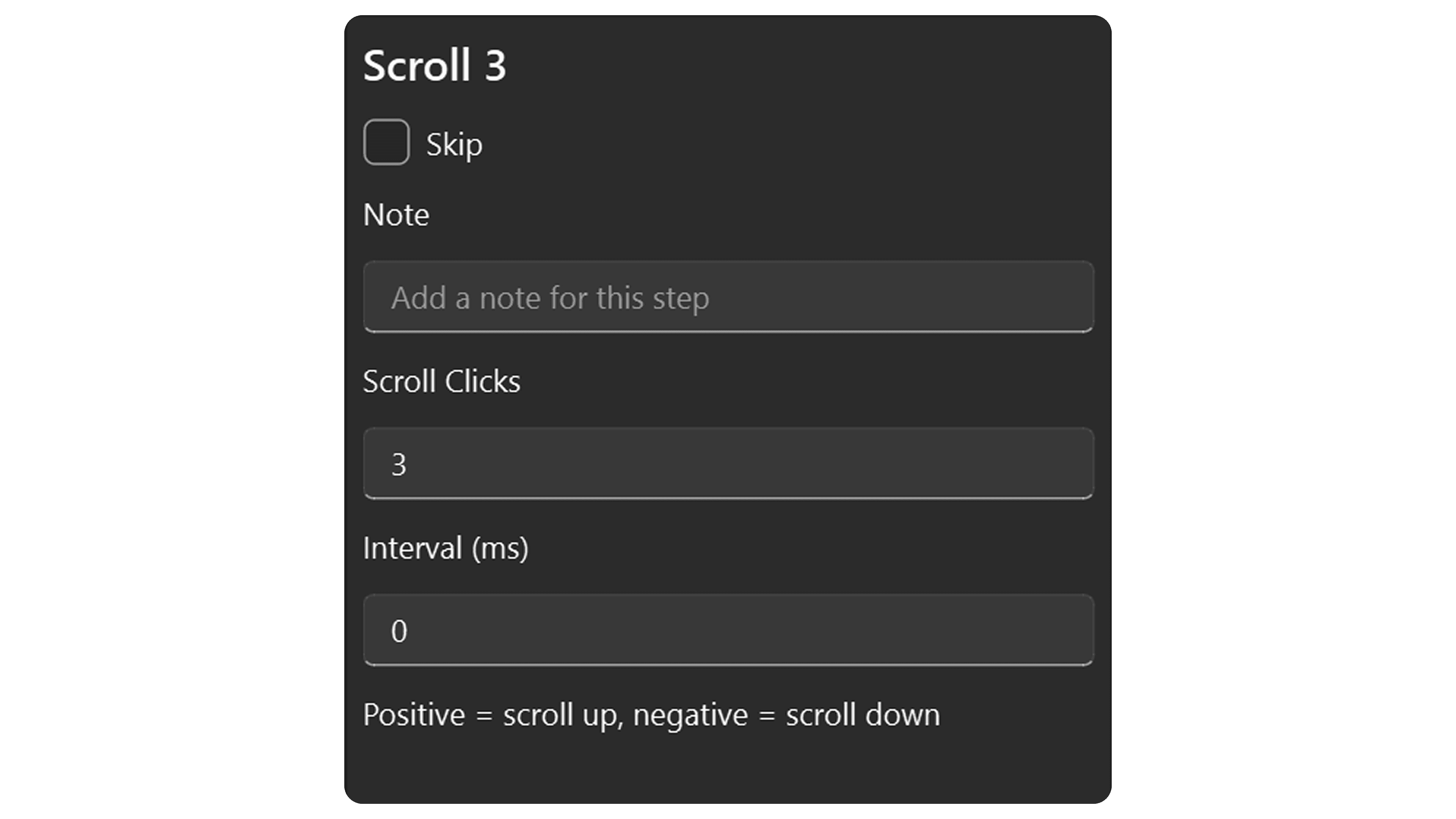
| Field | Default | Description |
|---|---|---|
| Scroll Clicks | 3 | Number of scroll notches. Positive = up, negative = down. |
| Interval (ms) | 0 | Delay between each scroll notch. |
Wait Image
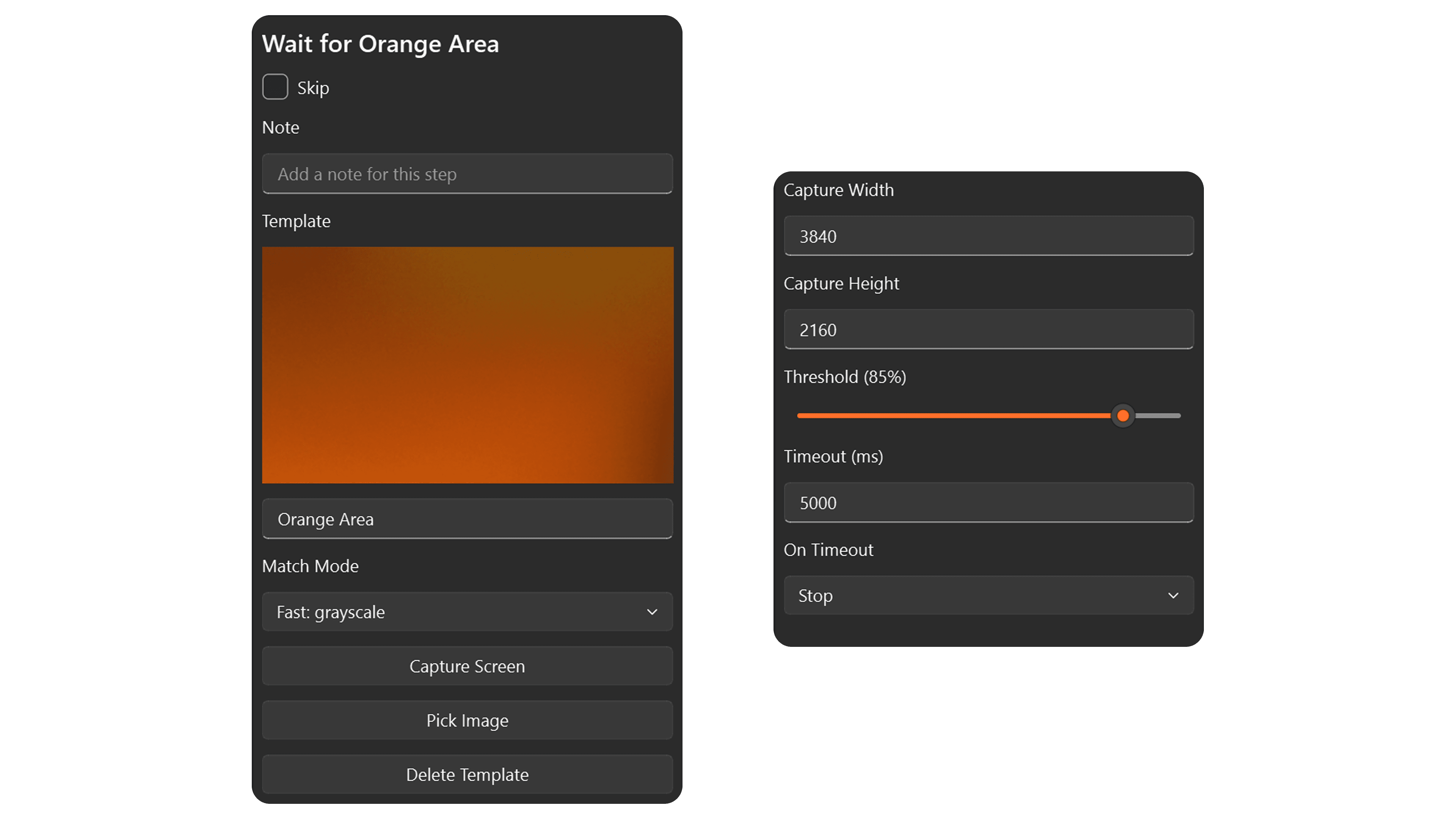
| Field | Default | Description |
|---|---|---|
| Template | (none) | The template image to wait for. |
| Threshold | 85% | Required match confidence (0–100%). |
| Timeout (ms) | 5000 | How long to wait before giving up. |
| On Timeout | Stop | Stop the macro or Continue to the next step. |
Wait Number
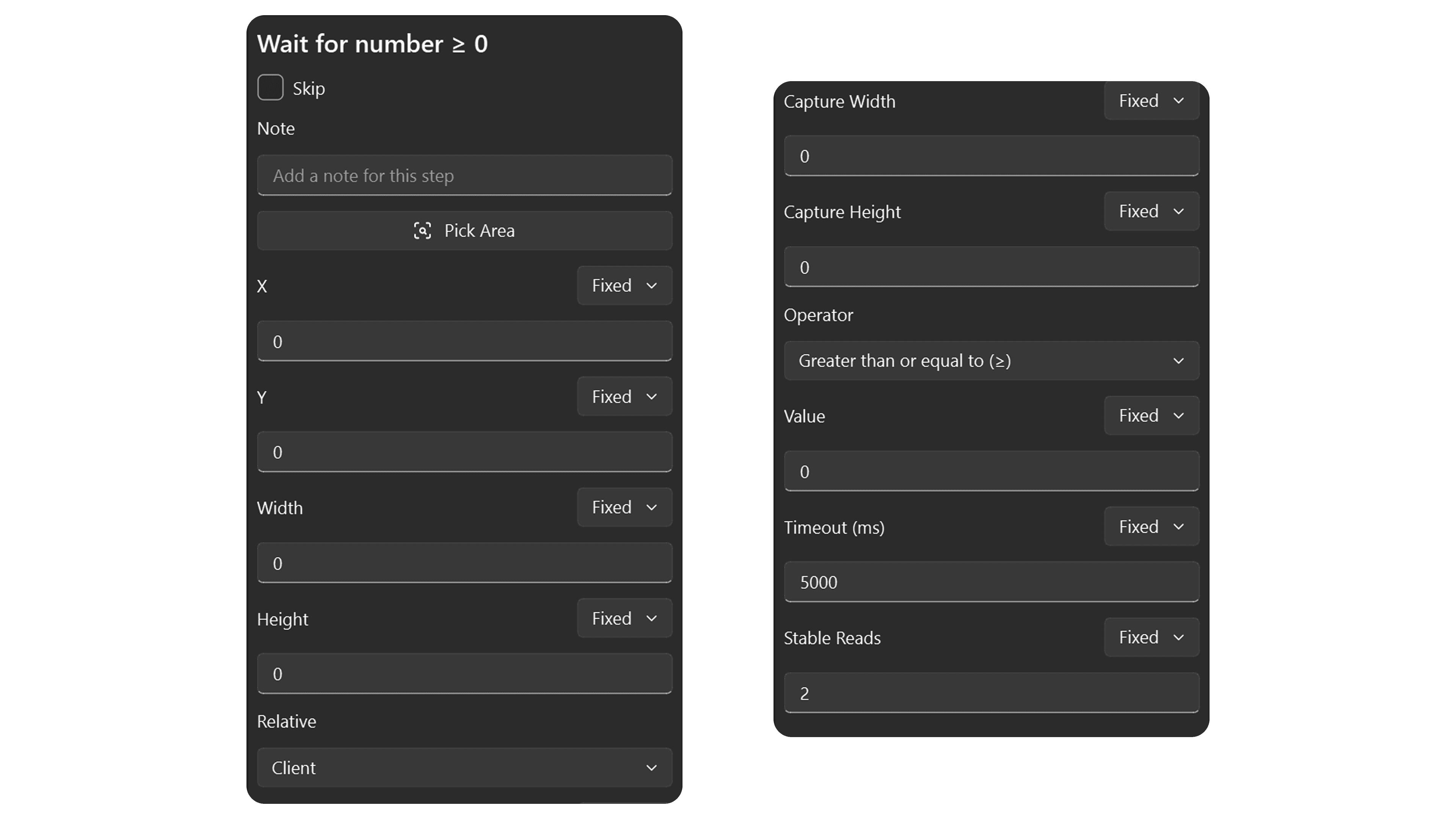
| Field | Default | Description |
|---|---|---|
| X | 0 | Horizontal position of the capture area. |
| Y | 0 | Vertical position of the capture area. |
| Width | 100 | Width of the capture area in pixels. |
| Height | 30 | Height of the capture area in pixels. |
| Capture Width | (auto) | Screen resolution width used when the area was captured. |
| Capture Height | (auto) | Screen resolution height used when the area was captured. |
| Relative | Client | Client = relative to target window, Absolute = screen coordinates. |
| Operator | ≥ | Comparison: =, ≠, >, ≥, <, ≤. |
| Value | 0 | The target number to compare against. |
| Timeout (ms) | 5000 | How long to wait before giving up. |
| Stable Reads | 2 | Number of matching reads before considering the value stable. |
Use the Pick Area button to select a screen region containing a number. Remaku reads the number optically and waits until the condition is met.
Hold Key Until Gone
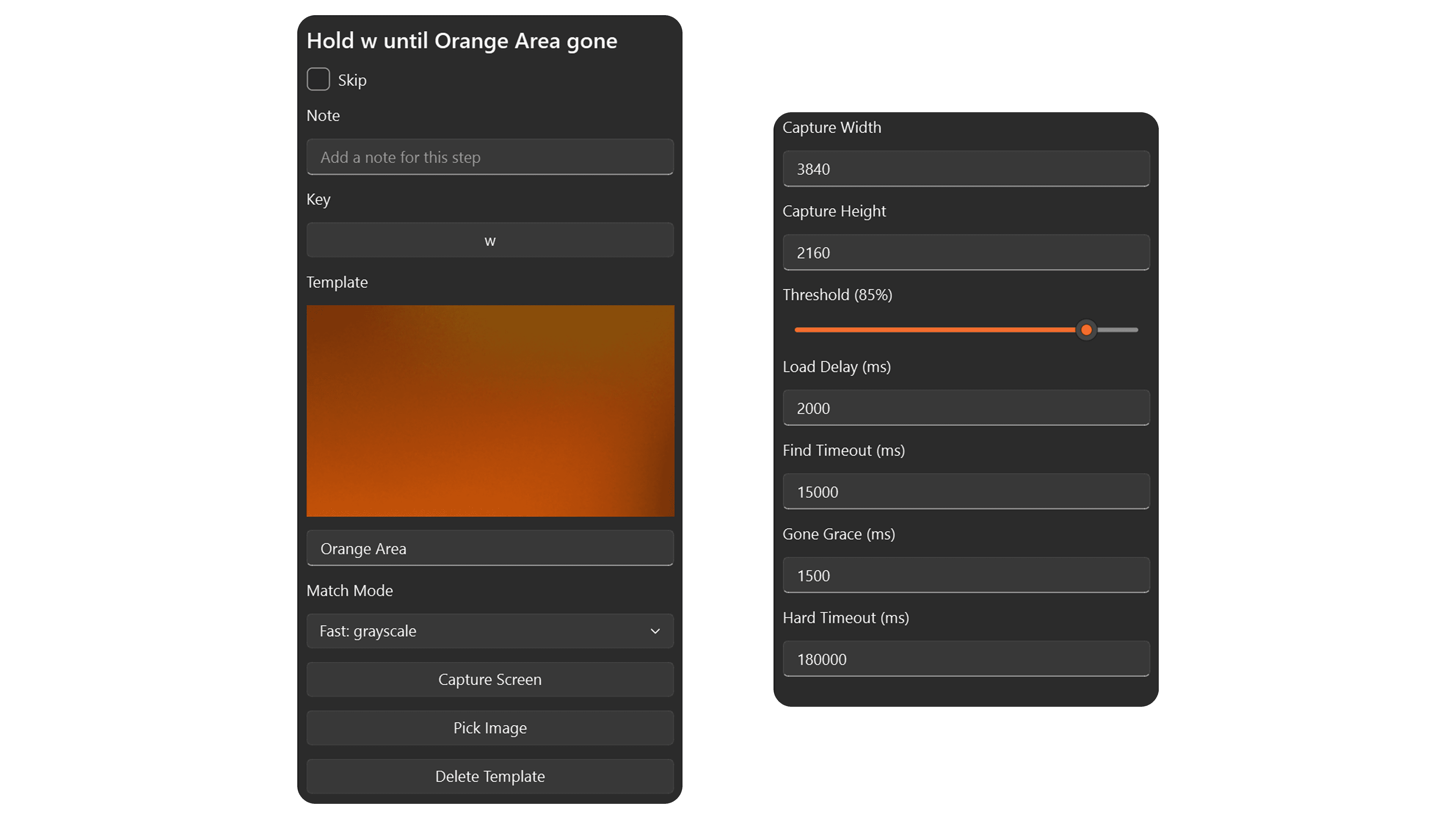
| Field | Default | Description |
|---|---|---|
| Key | enter | The key to hold while the image is visible. |
| Template | (none) | The template image to watch. |
| Threshold | 85% | Required match confidence. |
| Load Delay (ms) | 2000 | Grace period after the macro starts before checking. |
| Find Timeout (ms) | 15000 | How long to wait for the image to first appear. |
| Gone Grace (ms) | 1500 | How long the image must be gone before releasing the key. |
| Hard Timeout (ms) | 180000 | Maximum total duration. Stops the macro if exceeded. |
Repeat
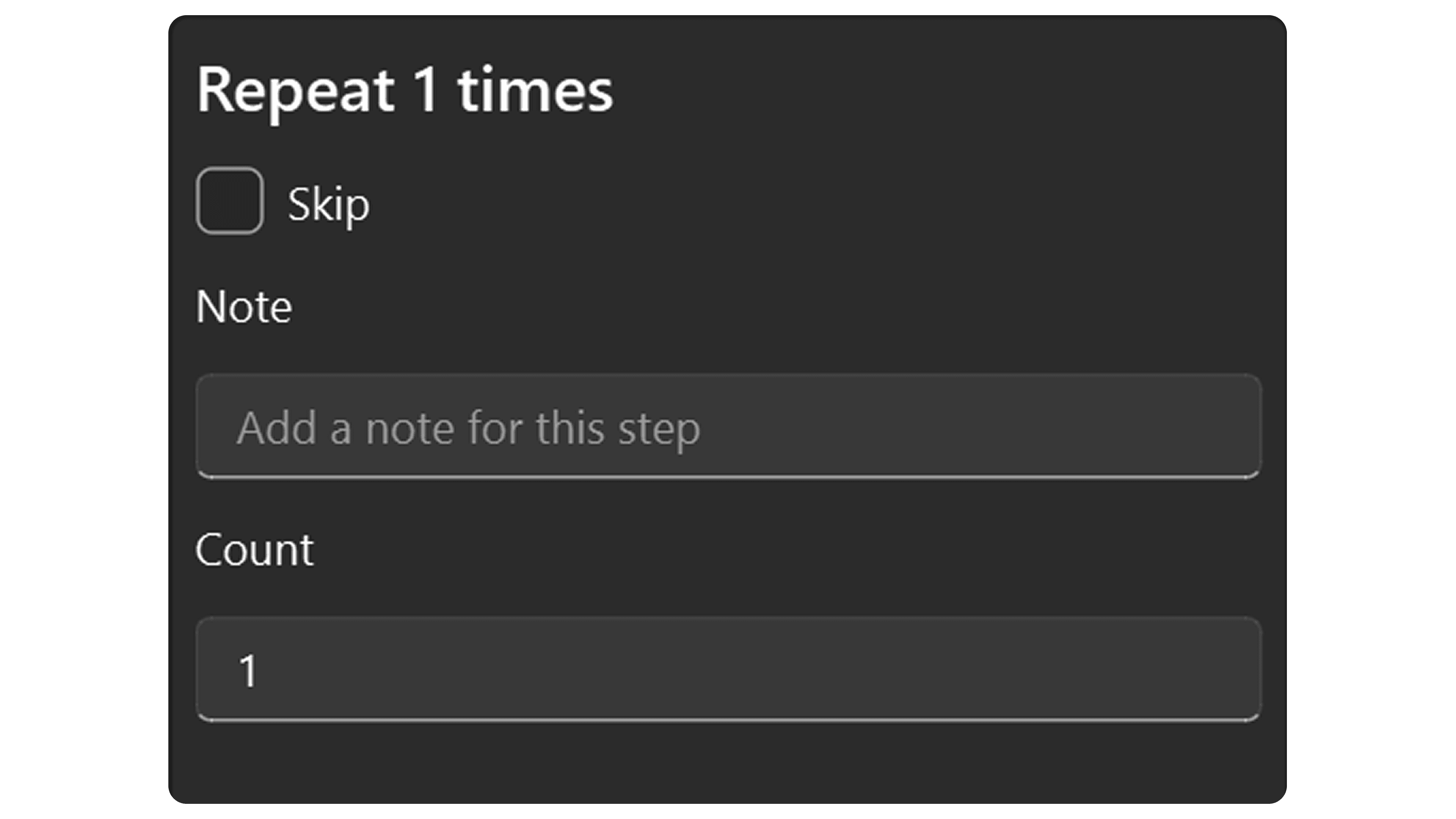
| Field | Default | Description |
|---|---|---|
| Count | 1 | How many times to repeat the child steps. |
Add child steps inside the Repeat block in the step tree.
Repeat Until Number
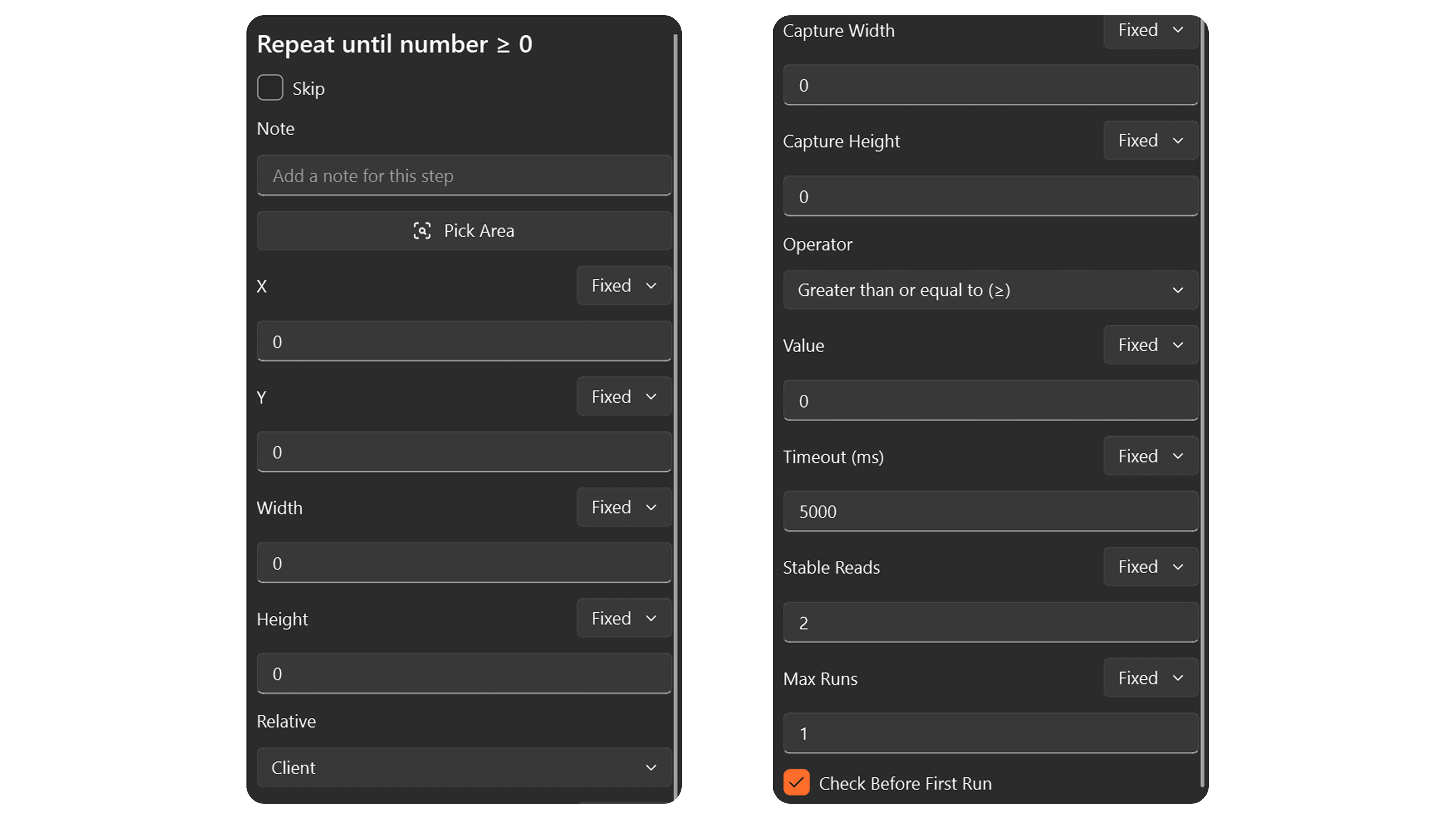
| Field | Default | Description |
|---|---|---|
| X | 0 | Horizontal position of the capture area. |
| Y | 0 | Vertical position of the capture area. |
| Width | 100 | Width of the capture area in pixels. |
| Height | 30 | Height of the capture area in pixels. |
| Capture Width | (auto) | Screen resolution width used when the area was captured. |
| Capture Height | (auto) | Screen resolution height used when the area was captured. |
| Relative | Client | Client = relative to target window, Absolute = screen coordinates. |
| Operator | ≥ | Comparison: =, ≠, >, ≥, <, ≤. |
| Value | 0 | The target number to compare against. |
| Timeout (ms) | 5000 | How long to wait for a stable read each iteration. |
| Stable Reads | 2 | Number of matching reads before considering the value stable. |
| Max Runs | 1 | Maximum number of iterations (safety limit). |
| Check Before First Run | On | Whether to evaluate the condition before the first iteration. |
Add child steps inside the Repeat Until Number block. The condition is checked each iteration; if it matches, the loop exits.
If Image
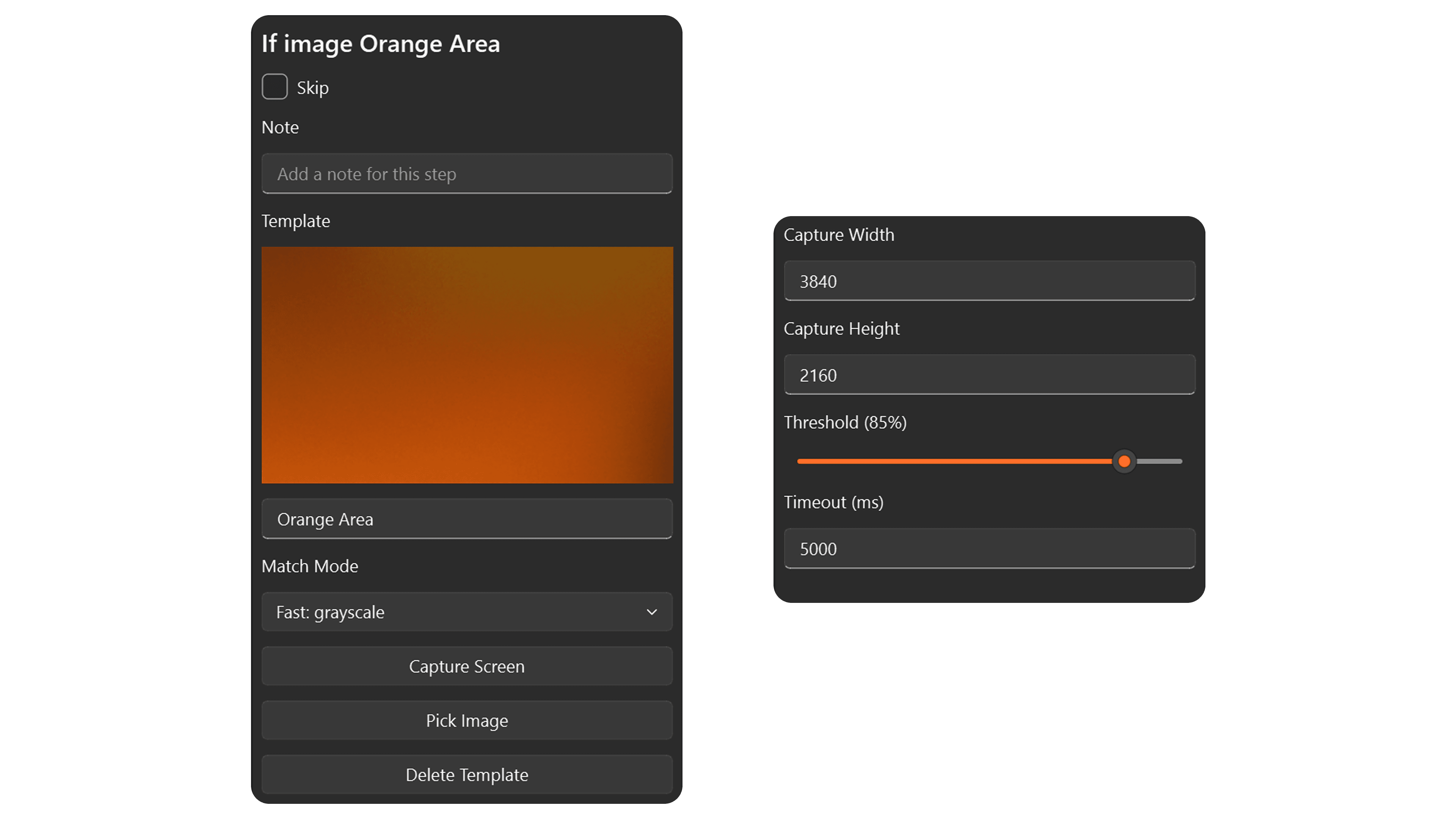
| Field | Default | Description |
|---|---|---|
| Template | (none) | The template image to check for. |
| Threshold | 85% | Required match confidence. |
| Timeout (ms) | 5000 | How long to wait for the image. |
Add child steps under the Then branch (image found) and Else branch (image not found).
If Number
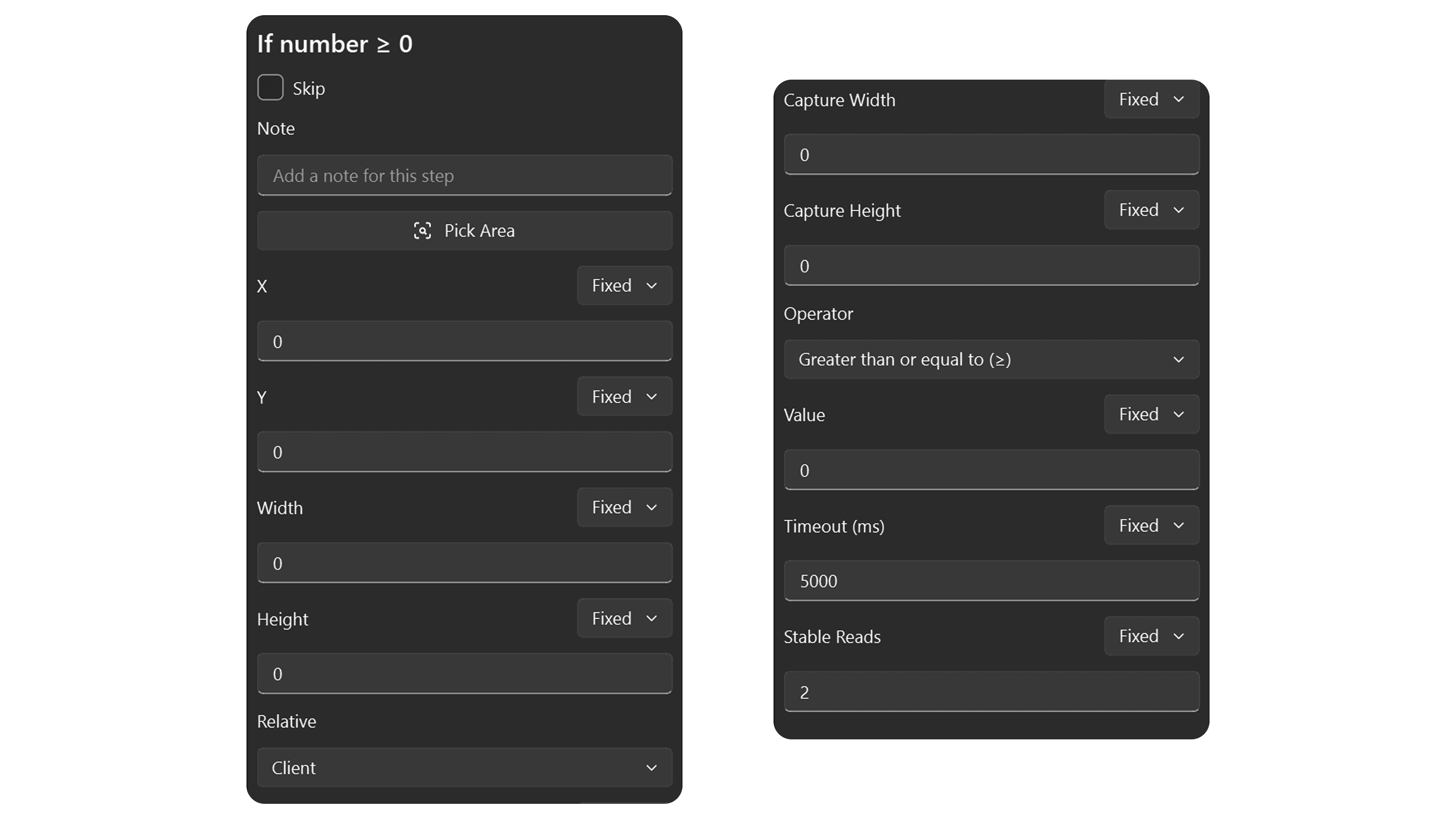
| Field | Default | Description |
|---|---|---|
| X | 0 | Horizontal position of the capture area. |
| Y | 0 | Vertical position of the capture area. |
| Width | 100 | Width of the capture area in pixels. |
| Height | 30 | Height of the capture area in pixels. |
| Capture Width | (auto) | Screen resolution width used when the area was captured. |
| Capture Height | (auto) | Screen resolution height used when the area was captured. |
| Relative | Client | Client = relative to target window, Absolute = screen coordinates. |
| Operator | = | Comparison: =, ≠, >, ≥, <, ≤. |
| Value | 0 | The target number to compare against. |
| Timeout (ms) | 5000 | How long to wait for a stable read. |
| Stable Reads | 2 | Number of matching reads before considering the value stable. |
Add child steps under the Then branch (condition true) and Else branch (condition false).
If Any Image
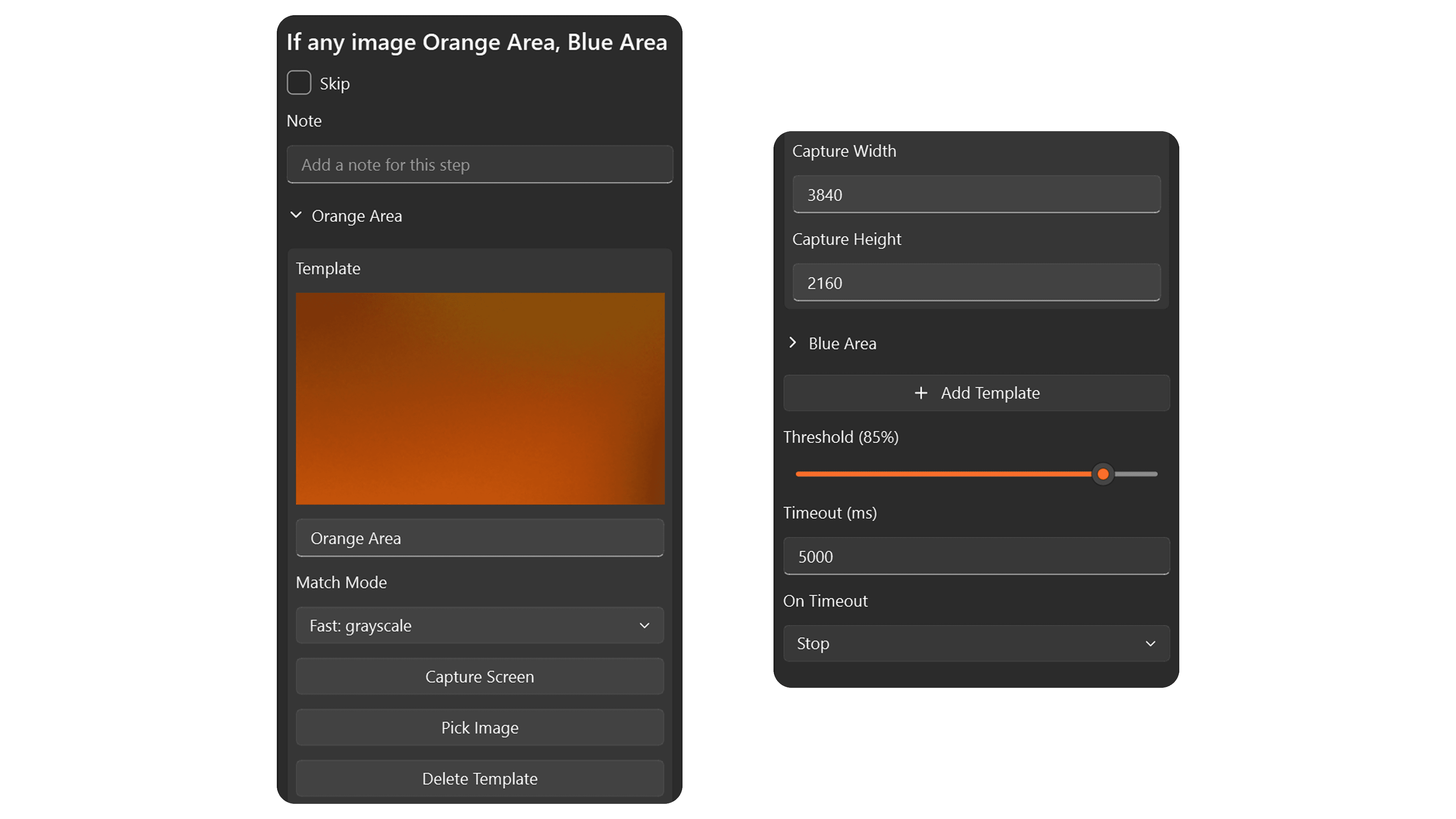
| Field | Default | Description |
|---|---|---|
| Templates | (none) | Multiple template images to scan for. |
| Threshold | 85% | Required match confidence. |
| Timeout (ms) | 5000 | How long to wait before giving up. |
| On Timeout | Stop | Stop the macro or Continue. |
Add child steps under each template's branch. The first template matched determines which branch runs.
Grid Navigation
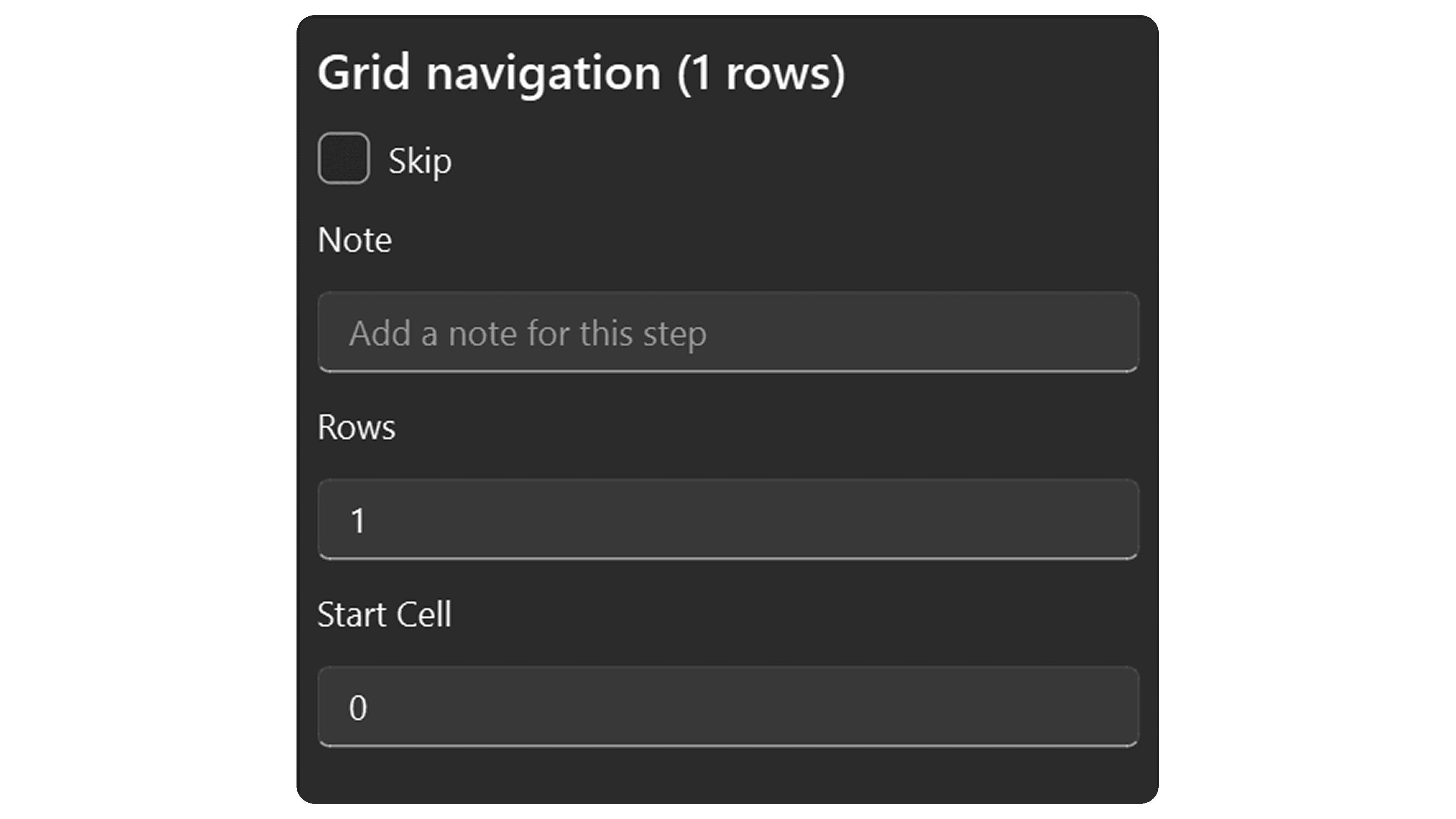
| Field | Default | Description |
|---|---|---|
| Rows | 1 | Number of rows in the grid. |
| Start Cell | 0 | Which cell to start at (0-based). |
Add child steps under On Next Row and On Next Column to define what happens when moving through the grid.