Remove 22B
Automatically runs the 22B removal flow in Forza Horizon 6.
Before Running
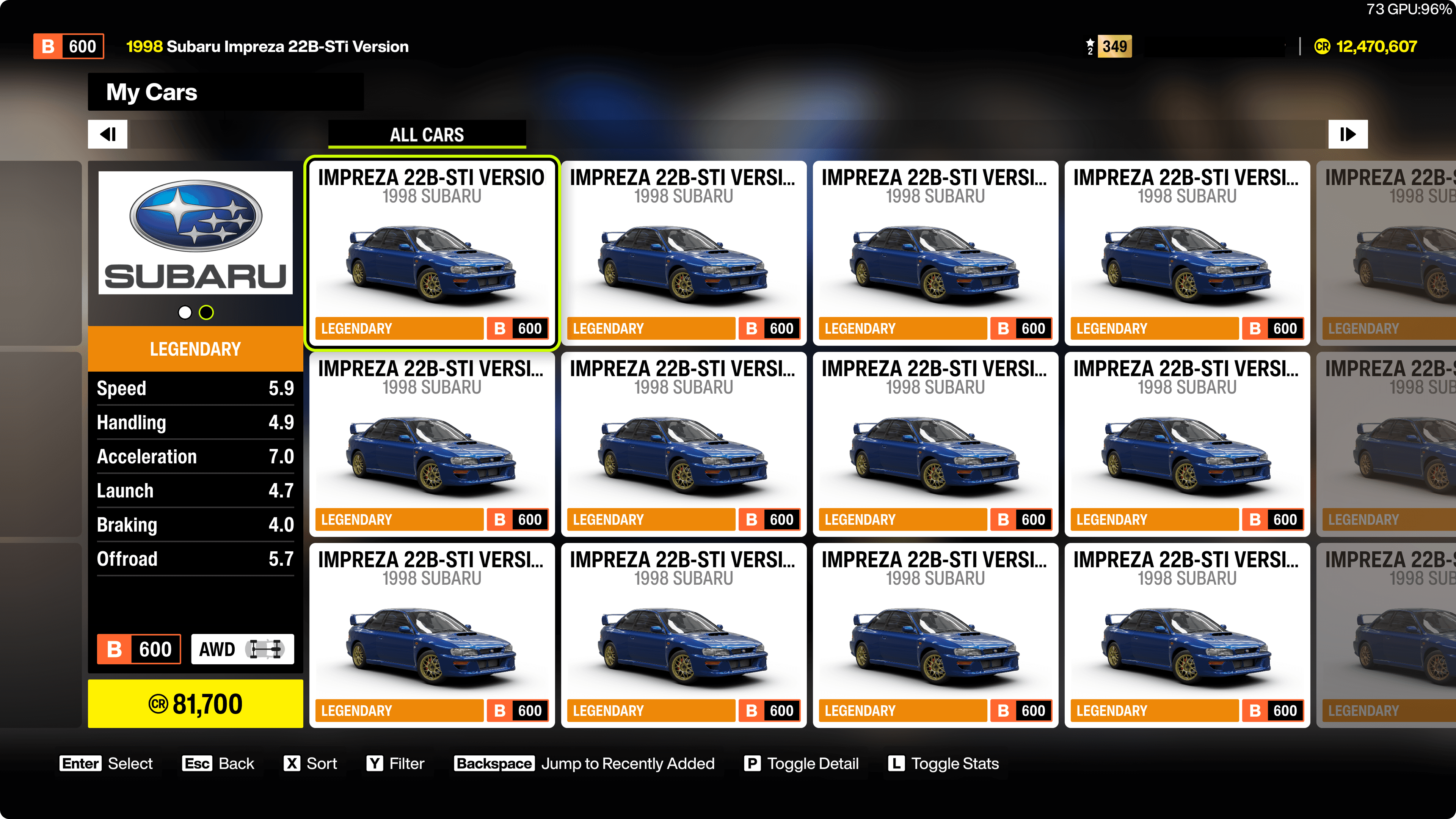
Ensure that you are on the "My Cars" screen
Go to "Buy New & Used Cars" (Festival) > "My Cars".
Sort by "Recently Added"
Sort by pressing "X" > "Recently Added" to ensure the 22B is at the top of the list. And count the number of 22Bs you want to remove. The ideal number is 33 since we bought and upgraded 33 22Bs in the previous steps.
It is important. There is a limitation in the current implementation that it can only remove cars from the top of the list. So, if you have other brand cars before the 22B, the macro will not work as expected. You can only manually remove those cars.
How it Works
The macro will:
- Wait for the "22B" car to be visible.
- Press "enter" key to select the car.
- Press "down arrow" key multiple times to move to "Remove Car From Garage" option and press "enter" key.
- Press "down arrow" key to move to "Yes".
- Press "enter" key to confirm the removal.
- Repeat the process until all 22Bs are removed.